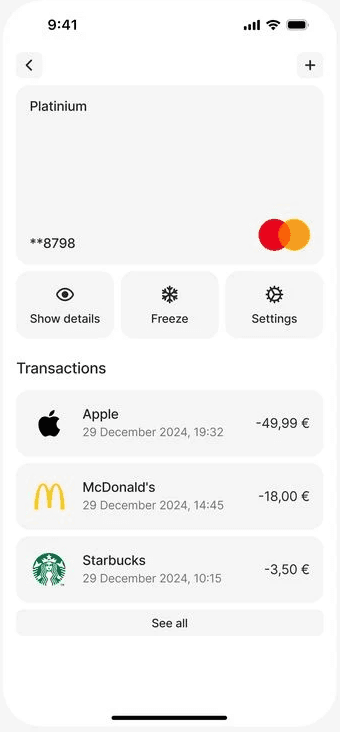
Navigation bar demo
A high-performance component that brings mesmerizing liquid and glass refraction to your Framer sites. Powered by WebGL and controlled entirely in the properties panel.
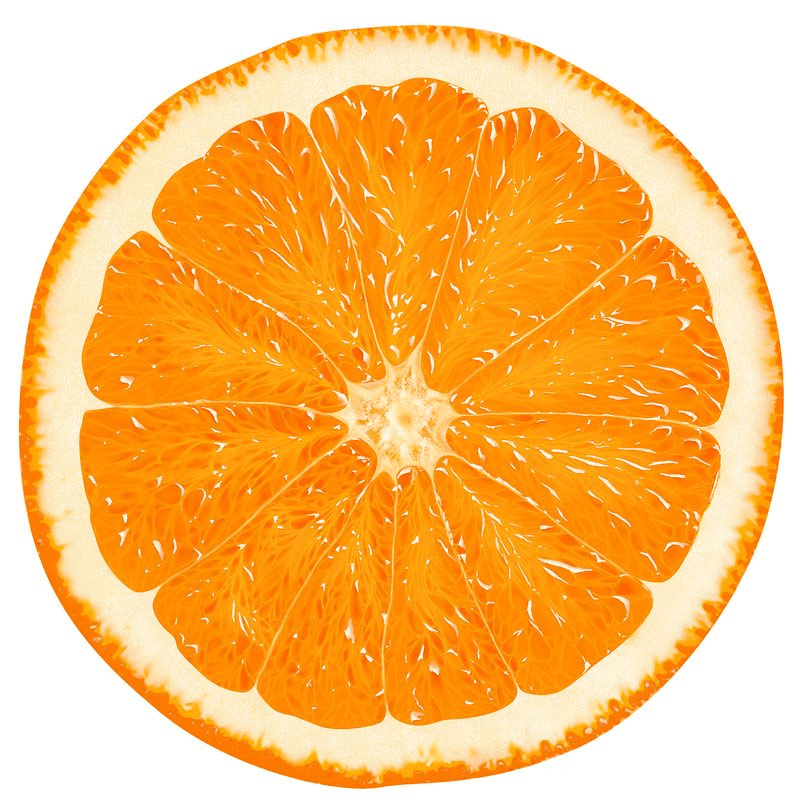
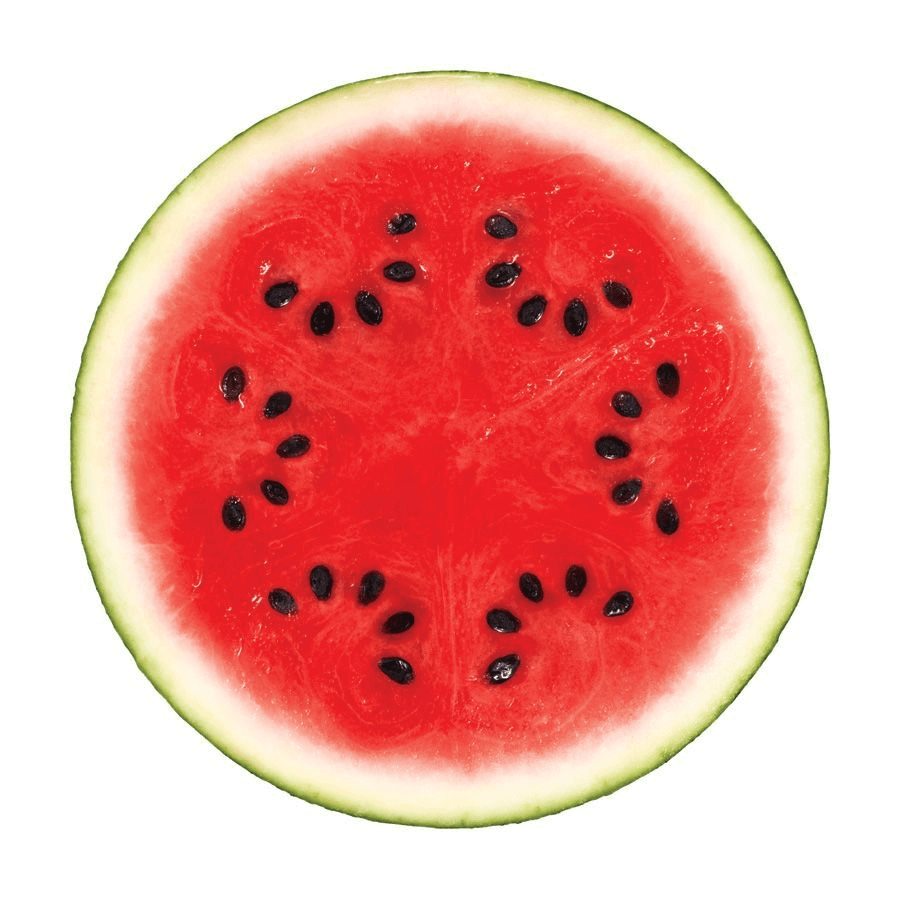
I’ve spent the better part of a year obsessing over the math and the performance of this, trying to bridge the gap between heavy, high-end shaders and the ease of use we all expect in Framer. The goal was simple: I wanted to be able to wrap my static designs in a layer of interactive, refractive glass that warps the world underneath it in real-time. It’s not just a filter—it’s a custom graphics engine that runs right in your browser, and I’m pretty stoked about how it turned out.
Capture
The biggest challenge I faced was how to handle the performance. You can’t just ask the browser to re-render a complex site through a shader sixty times a second; it would just choke. So, I built a custom "shrink-ray" capture system. When you use this, it performs a high-fidelity snapshot of your design, isolating the area you want to distort.
It’s built to be non-destructive. It temporarily strips away the heavy lifting of your page animations so it can get a perfectly clean, sharp image of your layout without any ghosting. It then takes that snapshot and binds it directly to the GPU as a texture. Because the shader is working with this static texture rather than trying to parse your entire DOM tree every frame, you get that perfectly liquid, 60fps distortion without your site’s frame rate ever dropping.
Tracking
This is probably my favorite part of the build. Once I got the glass working, I realized that if the lens was static, it felt a bit disconnected. I wanted it to feel like the glass was actually part of the site, so I built a real-time tracking engine. You can point the component at any container—like a scrolling ticker, a video, or an animated list—and it will "see" those moving parts.
It doesn’t just lock those elements in place; it actually pulls them into the refractive engine while they’re still animating. It’s essentially a live bridge between your standard DOM elements and the WebGL canvas. So, if you have a video playing in the background, it stays perfectly synced and plays right through the lens, complete with all the warps and tints you’ve applied. It feels seamless because it actually is—the static and dynamic parts of your design are finally talking to each other.
Optics
I didn't want this to just look like a blurry blob. I wanted it to feel like actual glass. To get there, I had to dig into some pretty intense optics math. I built a caustics system that calculates how light should behave as it hits the different thicknesses of the lens. It simulates that soft, colored light dispersion you see when light passes through a glass paperweight, which gives your design this incredible, subtle sense of depth that simple blurs can't touch.
I also added a custom fresnel and reflection system. This is the stuff that makes a lens look "tangible." It handles how the light catches the edges of your shape, creating those sharp, beautiful reflections that warp along with the lens movement. You can tweak the rim softness, the squeeze, and the reach, essentially letting you build your own custom glass prisms from scratch. It’s all exposed in the properties panel, so you can dial it in from a subtle, clean frosted look to a heavy, dramatic warp.
Performance
I’m a designer first, so I know how annoying it is when a cool effect ruins a site’s performance. I spent a long time optimizing the render loop so it wouldn't kill the CPU. The secret sauce is a metrics-caching system I built that keeps tabs on your tracked elements. Instead of asking the browser "where are you?" on every single frame, it only updates its internal coordinates when you scroll or resize.
That little detail is the difference between a smooth experience and a stuttery mess. All the complex math, the liquid merging, and the shadow rendering happens on the GPU, leaving your main thread free to handle your site's navigation and interactions. At the end of the day, I wanted to build something that was powerful enough to be dangerous, but simple enough that you could just drag it onto your canvas and start playing. I hope you have as much fun with it as I did building it.